Twitch · EventSub · Webhook · Real-time
Real-time EventSub – when Twitch goes live, Streamboard knows instantly
No manual polling, no delayed “Is the stream on yet?” checks: Streamboard uses Twitch EventSub to receive go-live signals via webhook and trigger your Discord and Telegram notifications reliably.
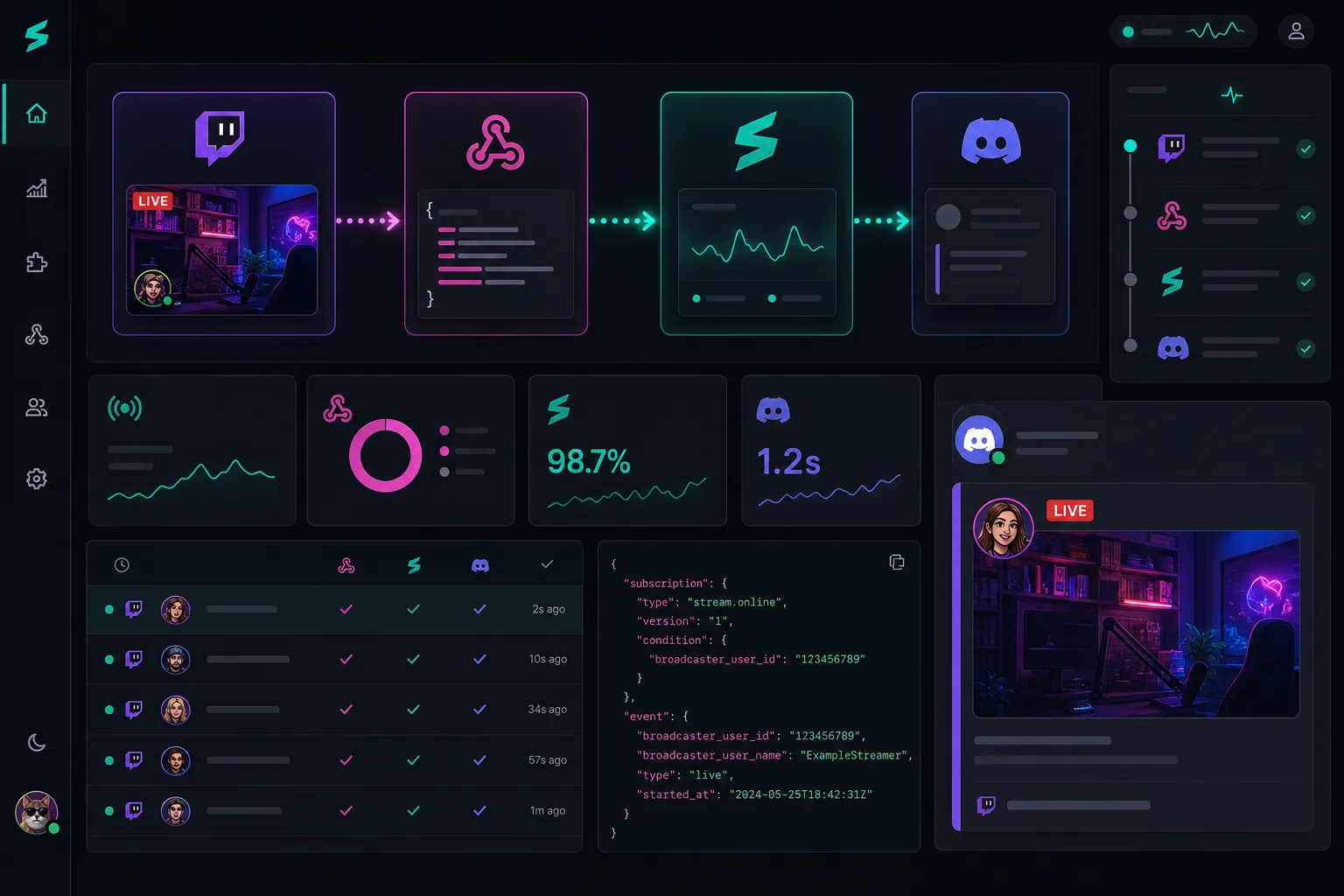
Why EventSub is the foundation
EventSub is Twitch's official path for live events. Streamboard builds on it and connects the signal to Discord, Telegram and customizable templates. Overview: Features · FAQ.
From Twitch live event to community message
As soon as your channel goes online, Twitch reports the status via EventSub. Streamboard processes the signal and creates formatted posts for all configured targets – Discord channels, Telegram chats, or both in parallel.
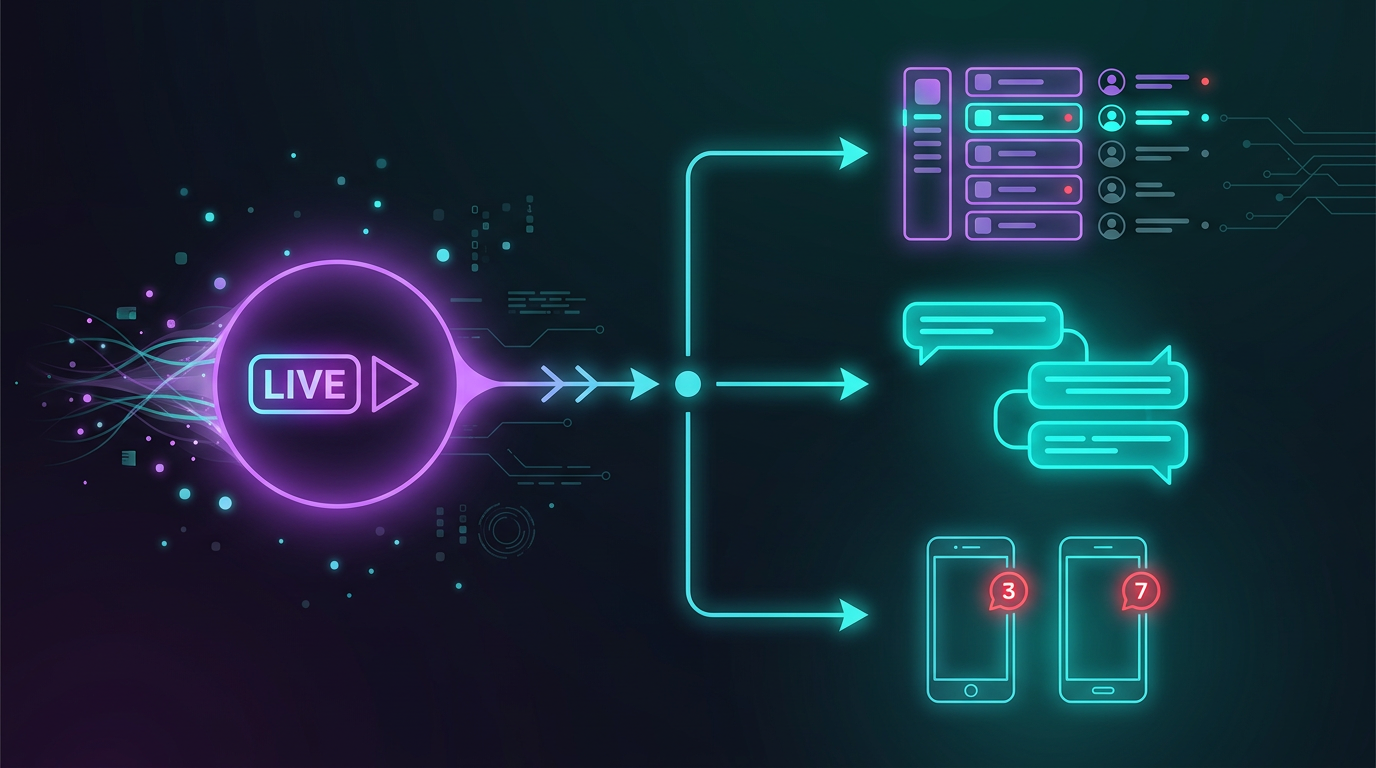
What EventSub in Streamboard gives you
Fast, officially supported, and the basis for all go-live workflows in the board.
Instant, not later
Your community learns about the live start while you're still setting up – not minutes later from manual checks.
Official Twitch protocol
EventSub is Twitch's intended way for stream-online events – more stable than unofficial workarounds.
One signal, many targets
The same EventSub signal can drive multiple Discord servers and Telegram targets – without duplicate setup.
Frequently asked questions about EventSub
What is Twitch EventSub?
EventSub is Twitch's event system: your channel reports live start and other events via webhook to authorized services like Streamboard.
Is EventSub faster than manual posting?
Yes – the signal arrives automatically at go-live. You don't have to type in Discord yourself or trigger an external tool manually.
Does EventSub work with Discord embeds?
Yes. Streamboard combines EventSub with your templates and posts structured messages to your Discord channels – details on the Discord page.
Use EventSub with Streamboard now
Connect Twitch, set your targets – from the next go-live the signal runs automatically.