Feature Overview
Discord, Telegram, Twitch Live & Analytics
From EventSub to multi-server Discord and Telegram on your phone: Streamboard bundles live notifications, messaging targets, templates and analytics in one setup.
Who is Streamboard for?
For Twitch streamers and communities who want to automatically announce go-lives on Discord and optionally Telegram – including templates and a dashboard. More in the FAQ; strengths and product highlights on the Benefits page.
Kick is a fully supported live source too: link the channel via OAuth and use the same Discord and Telegram targets and templates as with Twitch. Live detection runs on the official Kick webhook.
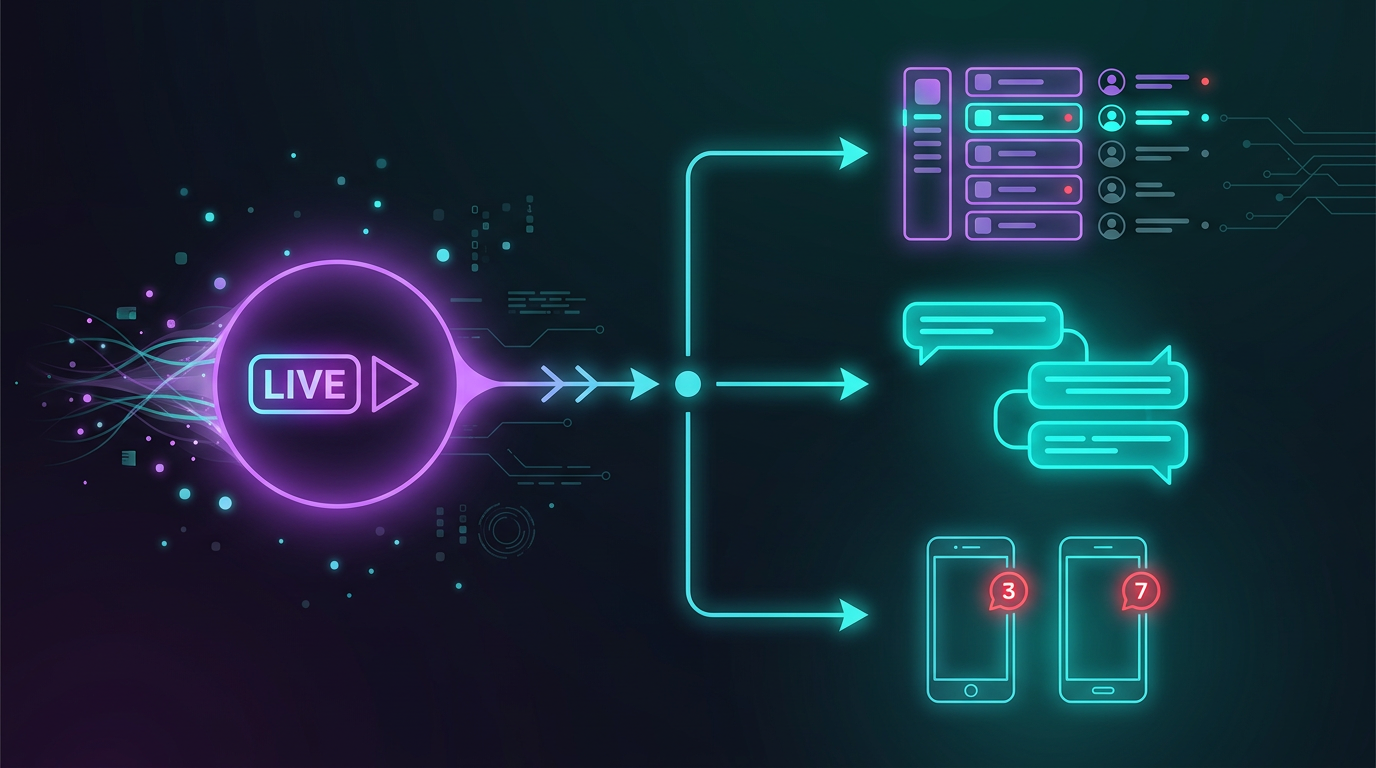
Twitch EventSub & Real-Time Live
Webhooks instead of polling: as soon as your channel goes live, Streamboard fires – stable and fast. One signal, many targets: Discord channels, Telegram and push to your phone – all from the same live source.
The foundation for multichannel notifications on every go-live.
Discord Bot, Targets & Embeds
Notification targets per server and channel, custom embeds with placeholders, optional role mentions – your Discord bot scales with your network and community.
Professional stream announcements without copy-paste.

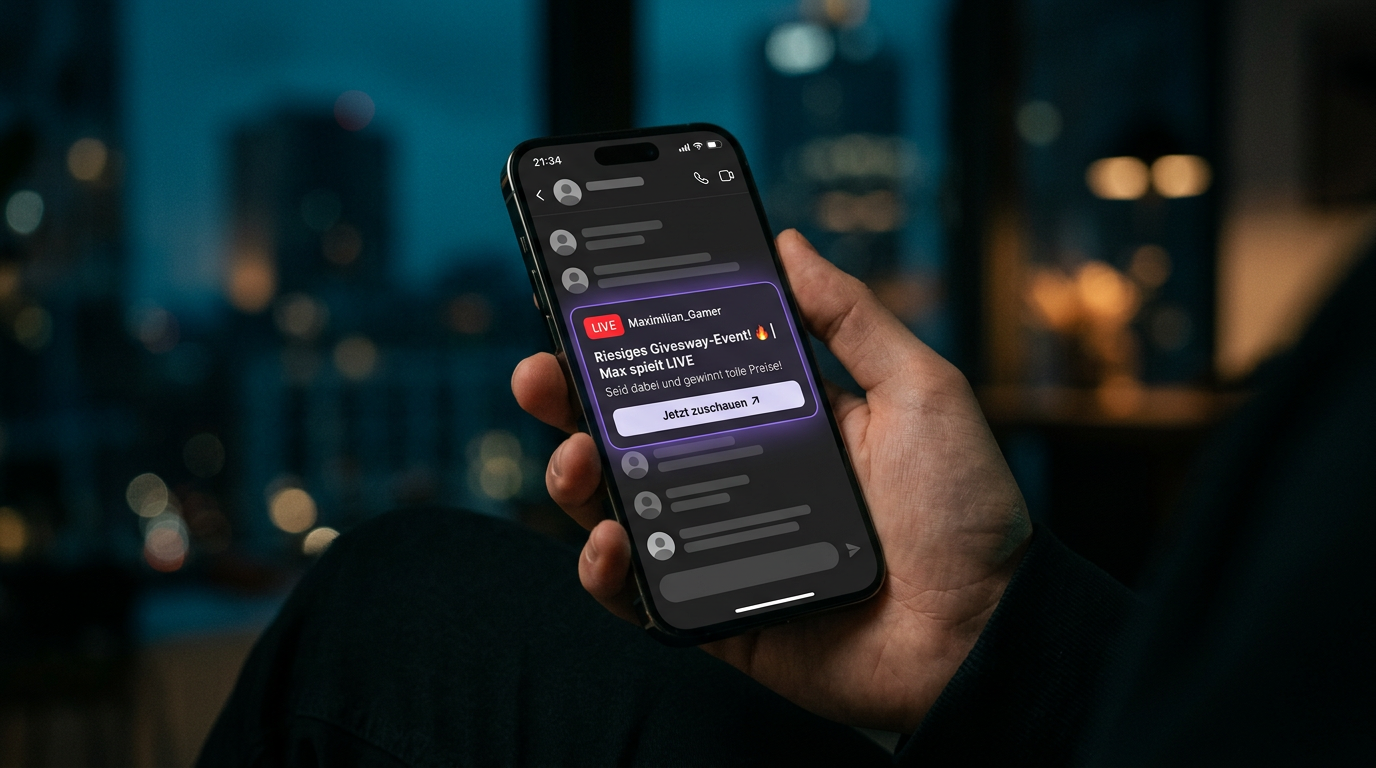
Notification Target
Telegram: Live straight to your phone
Many viewers use messaging apps alongside the stream. With Telegram as a notification target, your Twitch or Kick go-live lands where push notifications get noticed immediately – on the lock screen and in the app.
Streamboard uses the same reliable live signal as with Discord – for Twitch (EventSub) and Kick: you configure text, link and preview; your community gets the heads-up without manual follow-up.
- Perfect for on-the-go and second screens
- Complements Discord & other targets seamlessly
- Unified logic across all your Streamboard targets
Features
More highlights for your streaming setup
Everything you need for thoughtful Discord and Telegram notifications plus better stream analytics – bundled in one interface.
Templates & Editor
Messages with preview, placeholders for title, category, viewer count and more – perfectly tailored for go-live moments.
Multi-Server & Targets
One network, many Discord servers: send signals exactly where your community is watching.
Dashboard & Stream Analytics
Channels, targets and trends at a glance – less tab chaos, more clarity for your stream planning.
Roles & Reach
Targeted Discord pings where allowed and useful – for maximum visibility at go-live.
OAuth Security
Sign in via Twitch, Discord or Google – secure and without extra passwords.
In-App Notifications
Important updates right in the board – alongside your Discord live notifications.
Telegram as Target
Live alerts for Twitch and Kick straight to your audience's smartphones – ideal alongside Discord for messenger-first audiences.
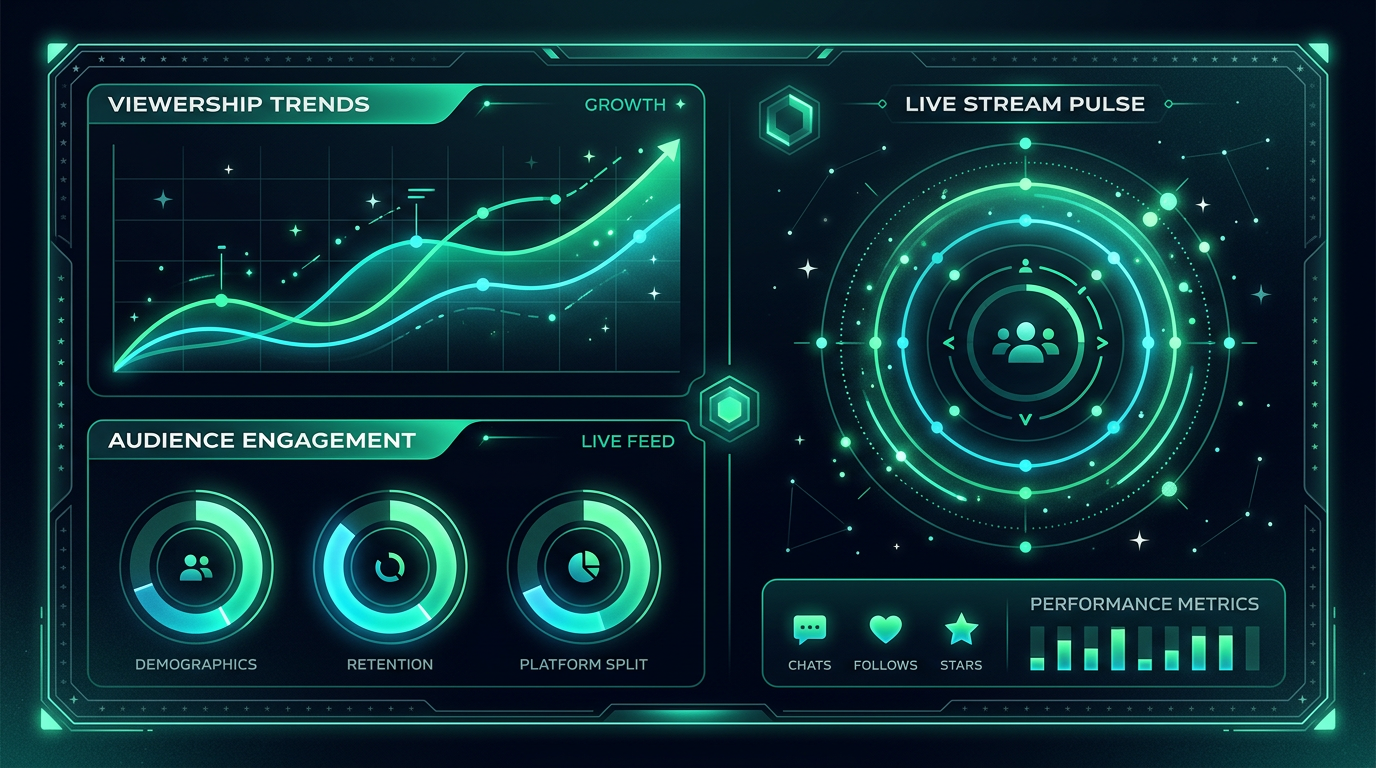
Stream analytics with clear insights
Spot patterns, find the best live times and celebrate milestones – with a clean interface that delivers real decision support.
Tutorials & help on DiscordTry it now
Create an account, connect Twitch & Discord – and discover Telegram notifications for on-the-go.
Start for free