Discord · Embeds · Placeholders · Branding
Templates & placeholders – go-live posts that match your brand
Instead of generic links you build Discord embeds with dynamic fields: stream title, game, viewer count and preview – all from the live Twitch signal, formatted with your placeholders and colors.
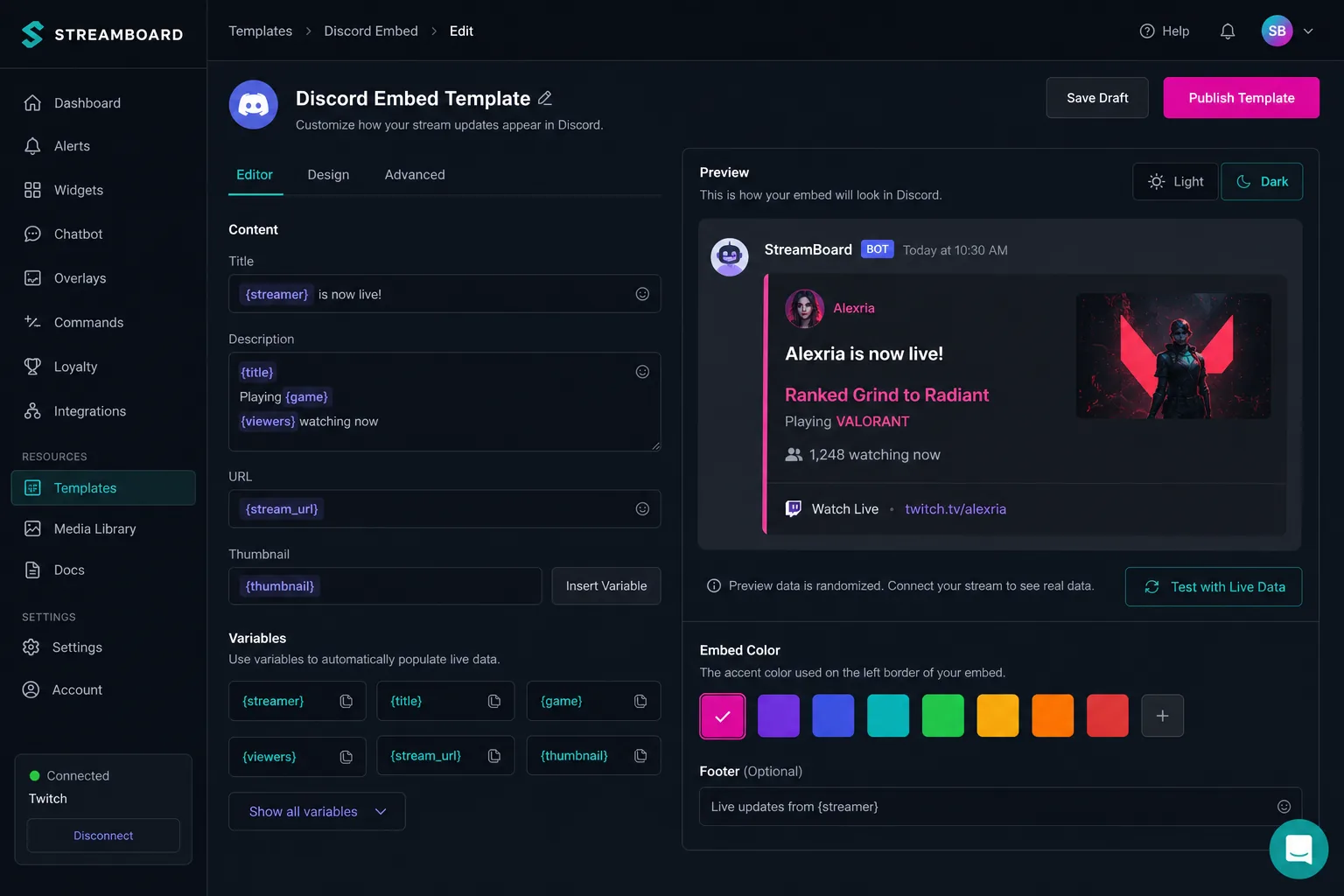
Templates as the link
Between the EventSub signal and the Discord post, templates define tone and layout. In multi-server setups each target can use its own template. Features · FAQ.
Dynamic fields from the live stream
Placeholders like stream title, category, thumbnail and viewer count are filled automatically at go-live – you only define layout and copy framework.
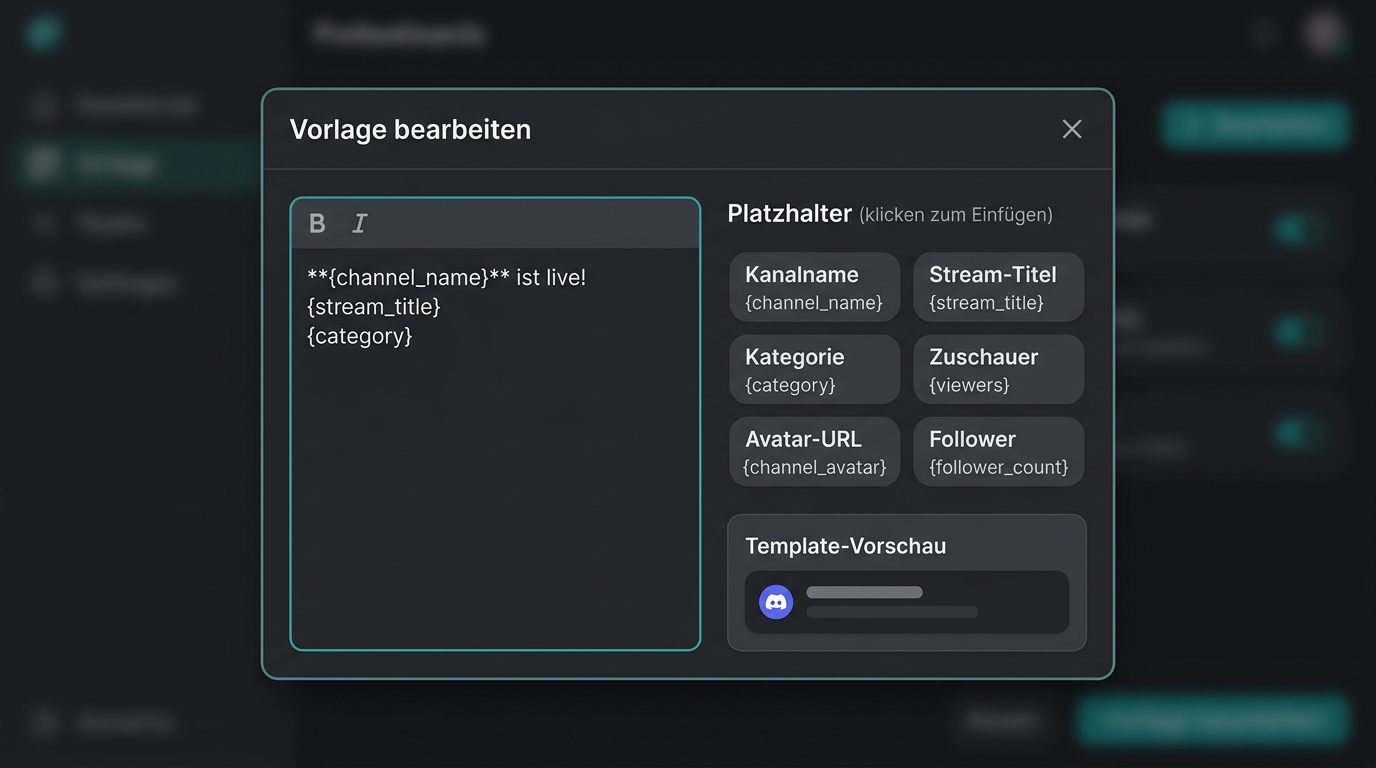
Why templates make the difference
Recognizable branding, less copy-paste, and consistent posts on every go-live.
Always current stream data
Title, game and preview come directly from Twitch – your post reflects the moment you go live.
Colors & layout
Adjust colors, fields and text blocks to your server style – from minimal to bold.
Reusable across targets
One template for the main server, another for partners – see Multi-server.
Frequently asked questions about templates
What are placeholders in Streamboard?
Placeholders are dynamic fields in embed text – e.g. stream title or game – filled automatically with live data at go-live.
Can I test templates before the first go-live?
Yes. In the board you see a preview of your layout before the first live alert lands in Discord.
Do templates work for Telegram too?
Discord uses embeds with placeholders; Telegram receives formatted text messages with the same dynamic content.
Define your go-live layout
Create templates in the board – on the next live start your community sees the branding you planned.