How to Analyze Your Twitch Stream: Read the Viewer Graph
To analyze your Twitch stream, read your viewer graph together with the timeline of follows, subs and raids. Only then can you see which event lined up with a rise or a drop. Once you see it, the graph turns into a decision for your next broadcast.
This guide treats one stream as the unit of review. You will learn to spot common patterns, interpret them with care and pick a single change for next time.
What you see after the stream
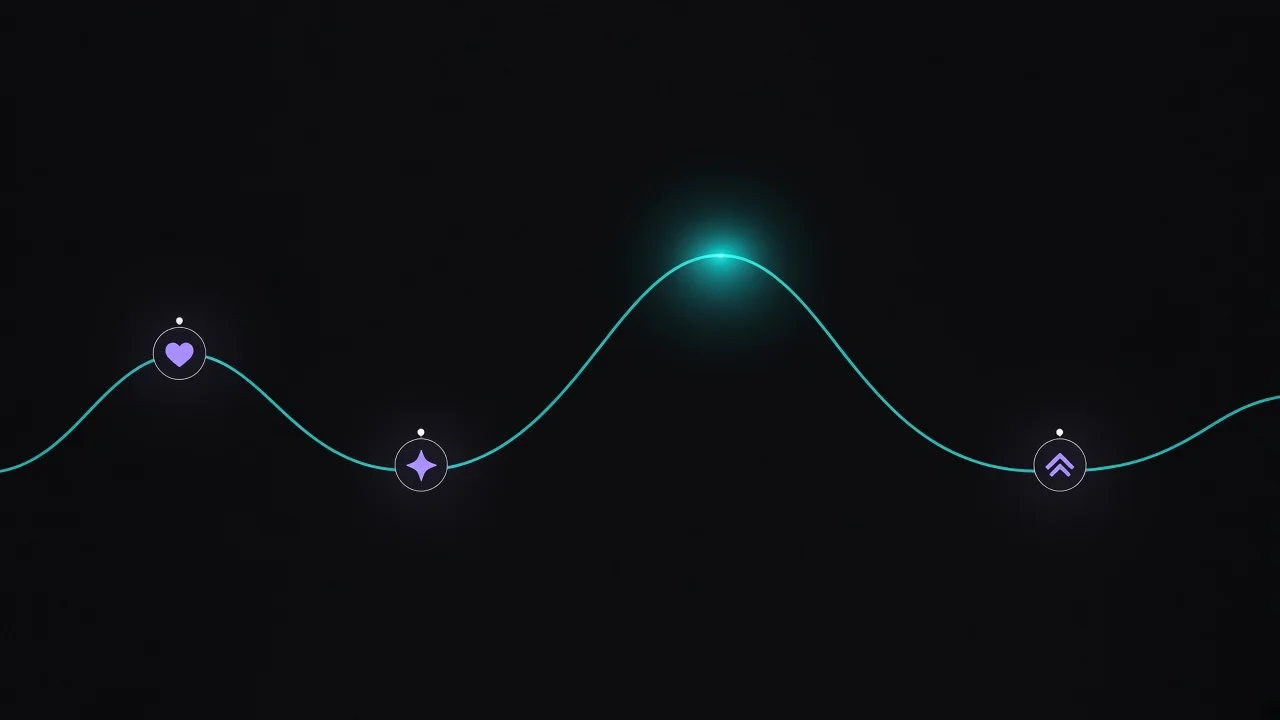
In Streamboard's Twitch stream analytics, every past stream gets its own viewer graph. Markers sit on top of it for the moments your community triggered.
- Follow: new followers during the stream
- Sub or gift sub: direct support on the timeline
- Raid: an incoming wave of viewers from another channel
Every stream uses the same layout, with the same axes and the same event types. That makes comparisons fair, whether it was a short morning slot or a long evening show.
Reading your Twitch viewer graph
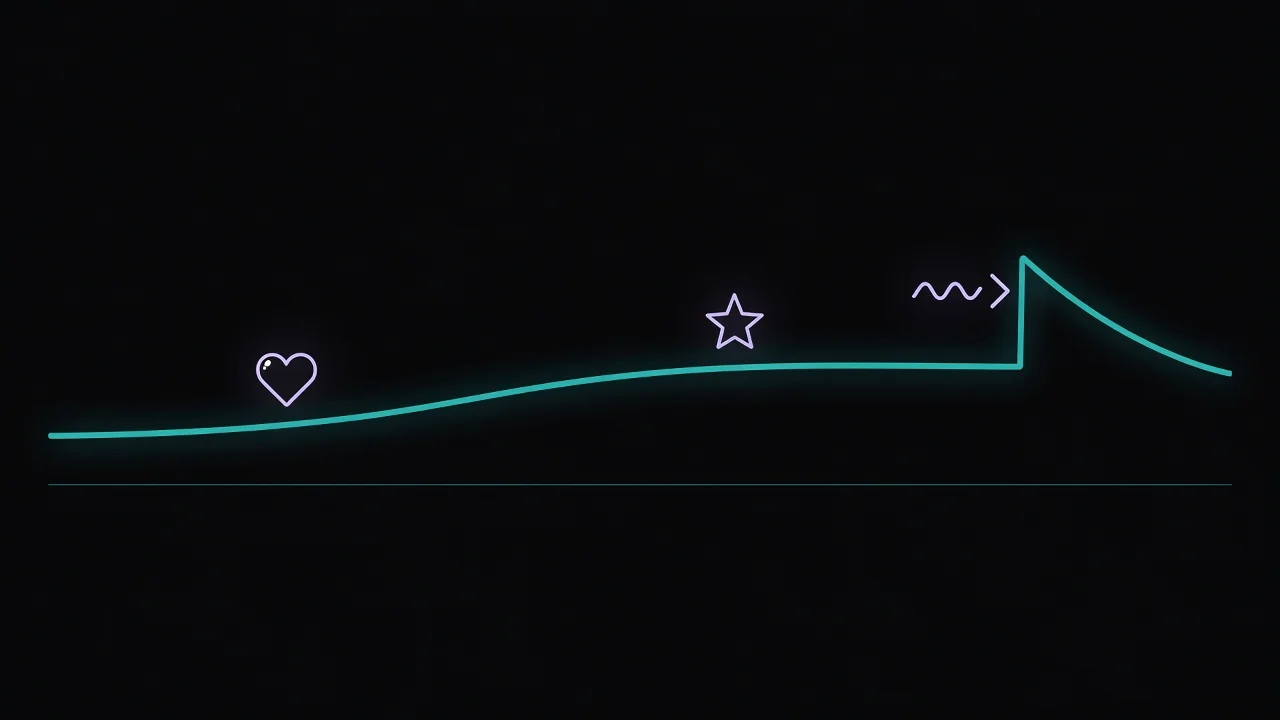
Never read the curve on its own. Start with the marker closest in time to a change. Then ask what was happening on stream at that point.
| Pattern in the graph | Possible cause | Next step |
|---|---|---|
| Jump right after a raid marker | The raiders have arrived | Prepare a short welcome for newcomers |
| Rise with no marker nearby | A segment, title or category worked | Note the segment and repeat it on purpose |
| A cluster of follows | One moment won over new people | Note the timestamp and rewatch it in your Twitch VOD, if you keep VODs |
| Slow decline over a long stretch | Segment ran long or a break had no hook | Shorten that slot next time |
A single graph is a hint, not proof. A pattern only becomes reliable when it shows up again across several streams in the same layout.
The graph tells you when something happened. Only you know why, because you were the one on stream.
From review to your next broadcast
- Mark your strongest rise and your steepest drop.
- Match each one to the nearest marker or segment.
- Compare with your recent streams in the same layout.
- Choose exactly one change for your next stream.
The start of your graph also depends on whether your community hears that you are live in time. Streamboard detects your Twitch go-live through EventSub and posts it as a Discord go-live notification in your server.
Who unfollows you after a stream is a question about your follower base rather than a single broadcast, and our article on Twitch follower growth and losses covers it.
What the graph cannot show you
Kick: For Kick streams, the timeline shows new follows along with viewer counts and snapshots. Follower analysis with gains, losses and unfollowers like on Twitch is not available for Kick; see the Kick notifications page for details.
Chat and causes: Chat statistics are available for Twitch only. And the graph shows what happened together, not what caused it.
Connect your Twitch channel for free. After your next stream, your own graph with follows, subs and raids is waiting in your dashboard: Start for free