New: Show Your Viewers Your Complete Streaming Setup
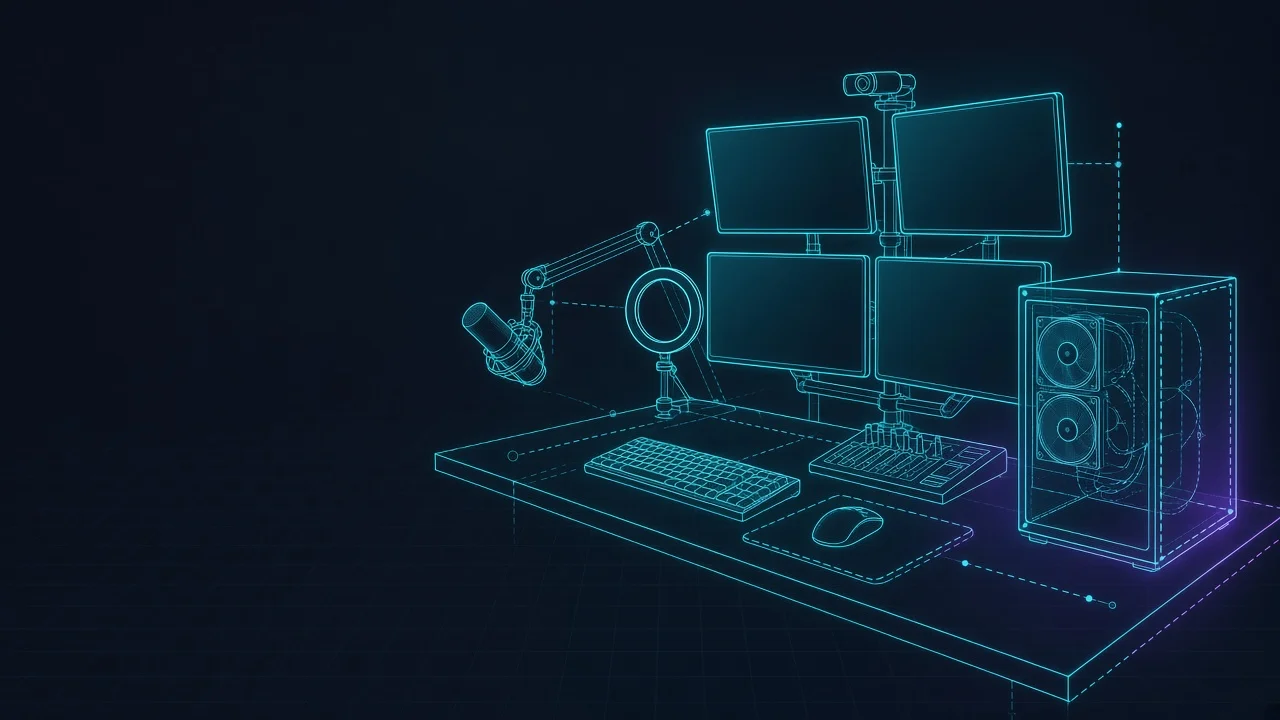
With the new hardware menu, you can show your viewers your complete streaming setup on a page of its own. Your microphone, camera, monitors and everything inside your PC sit together in one clear view. When chat asks about your gear, a single link now answers it.
The hardware menu is free for every Streamboard user. You will find it right in the navigation of your dashboard.
Your setup as an interactive sketch
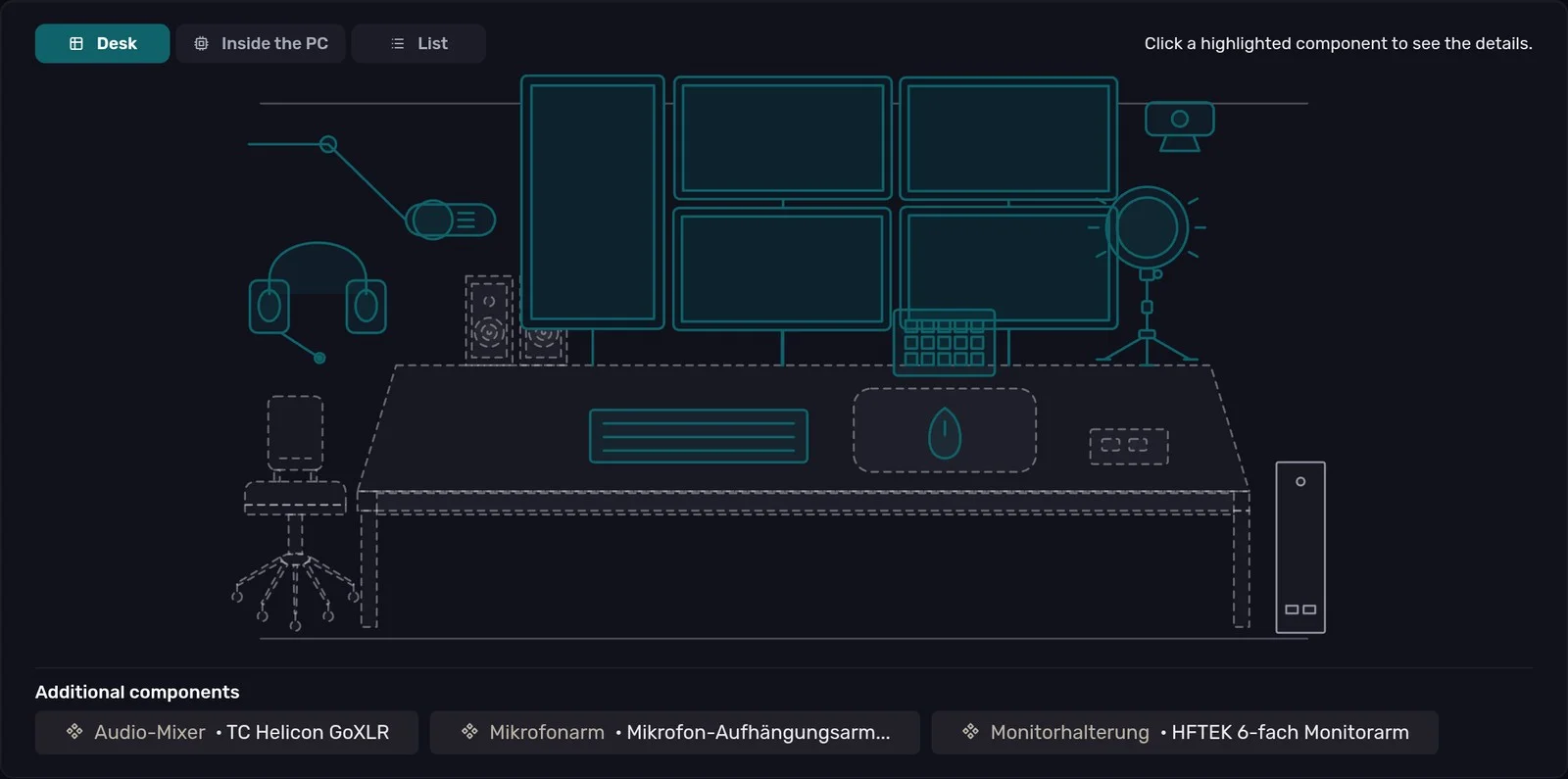
Streamboard draws your workspace as a clickable sketch. Every component you add is highlighted, and one click shows its name, details and link.
- Peripherals: monitors, microphone, headset, camera and lighting
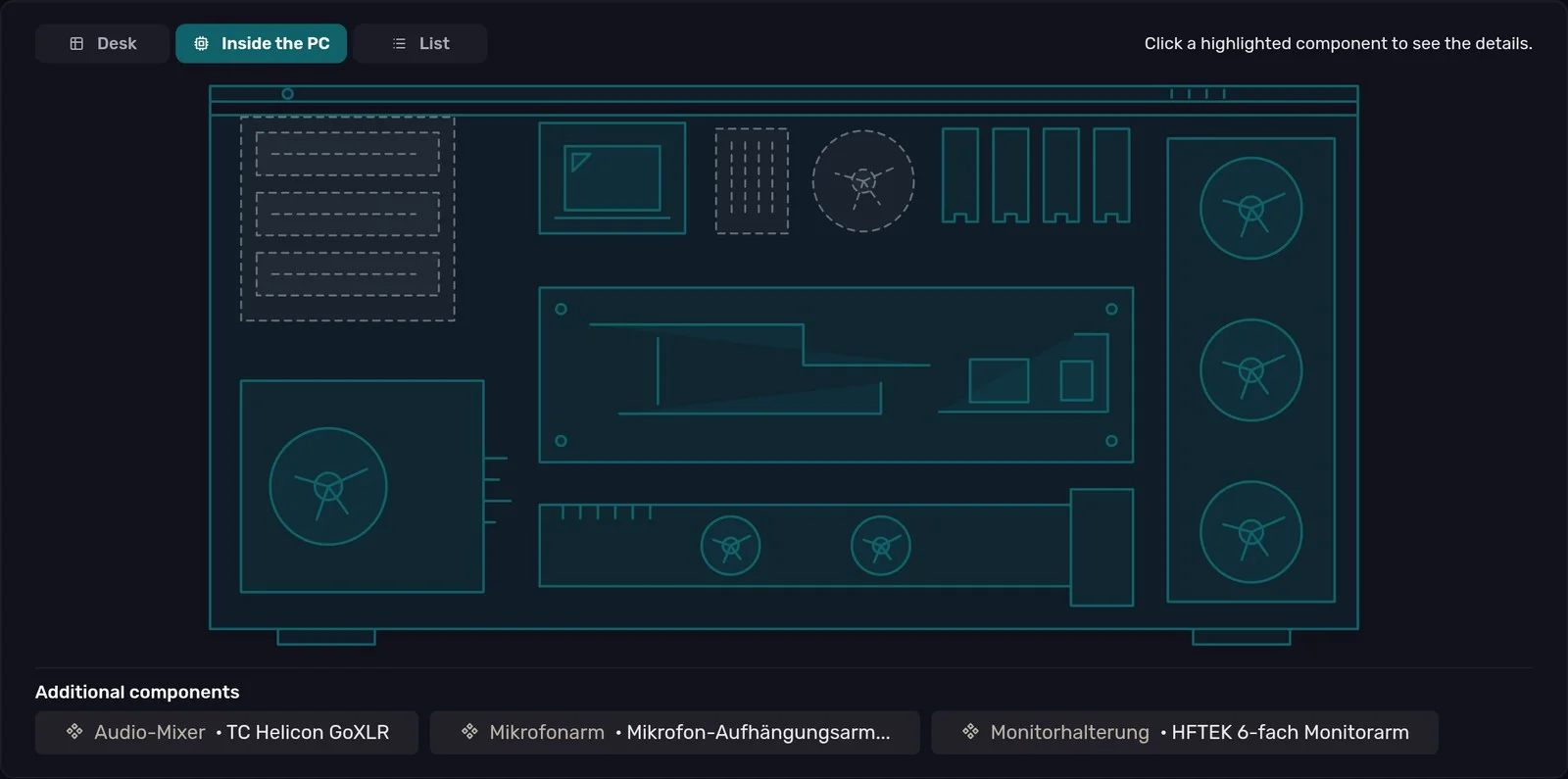
- Inside the PC: motherboard, CPU, graphics card, RAM and PSU
- Custom parts such as an audio mixer or mic arm
Monitors, cameras, lights, RAM, drives and fans can be added more than once. Pick a new part from the "Add" menu and it shows up in the sketch right away.
Arrange your desk the way it really is
In arrange mode you drag every object to the spot where it actually sits. The arrow keys handle the fine-tuning, and the R key turns a monitor into portrait mode.
- Open the "Desk" view in the hardware menu.
- Click "Arrange" and select an object.
- Drag it into place or use the arrow keys.
- Save the layout with a single click.
Monitors are drawn to match their diagonal and resolution. An ultrawide looks wider than a small second screen, and two rows stacked on top of each other work just fine.
Your viewers do not get a plain list. They see your desk exactly the way it looks.
Your public setup page
Flip one switch and your setup is live at app.streamboard.io/setup/yourname. For every component you decide whether it appears in public.
You can attach an Amazon link to each component. Streamboard turns it into a short link and counts its clicks in your short links. If your own partner tag is part of the link, it stays in place.
The page adds the required ad disclosure on its own. For a finished example, take a look at the setup of CYB3RV3N0M.
Coming soon right below your stream
The Streamboard extension for your Twitch panels is on its way. It lists your hardware automatically and links every single component.
- No more designing panel graphics by hand
- Changes in the hardware menu reach the panel automatically
- One click opens your complete setup in 3D
Beyond your setup, Streamboard sends Discord go-live notifications and helps you with analyzing your streams.
Connect your channel for free and add your setup today: Get started for free